NFC + QR guest pages for hospitality

Most venues hand out a WiFi password. We turn it into reviews.

tap-it is a small designed card for cafés, restaurants and hotels. Guests tap once and get your WiFi, menu and Google review button on one page, so your team answers fewer questions.

No app needed · Works on iPhone & Android · We set it all up

Already on the walls and tables of

1 tapTo get online

Guests join your WiFi without asking anyone.

0 appsTo download

The page opens in the phone’s own browser.

100 mmSquare card

In black or white, for the wall or the table.

How it works

From tap to online in three steps.

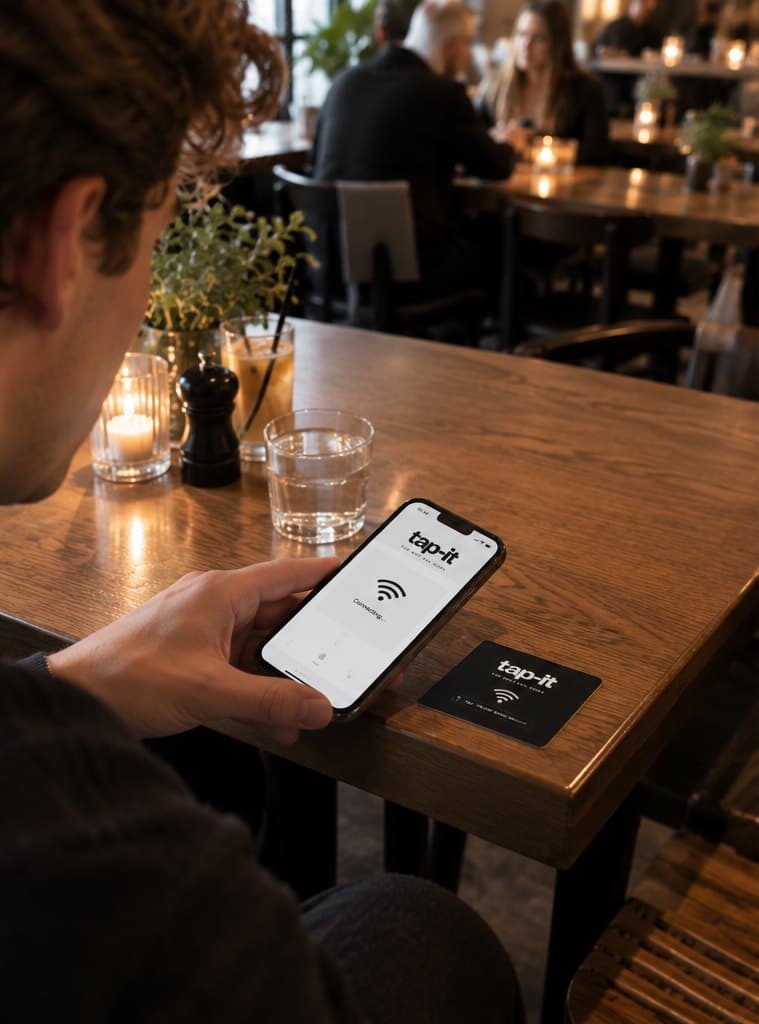
A guest at a café table with a black tap-it card next to his phoneStep 1

Tap or scan

Guests hold their phone to the card. No NFC? They scan the QR code with their camera.
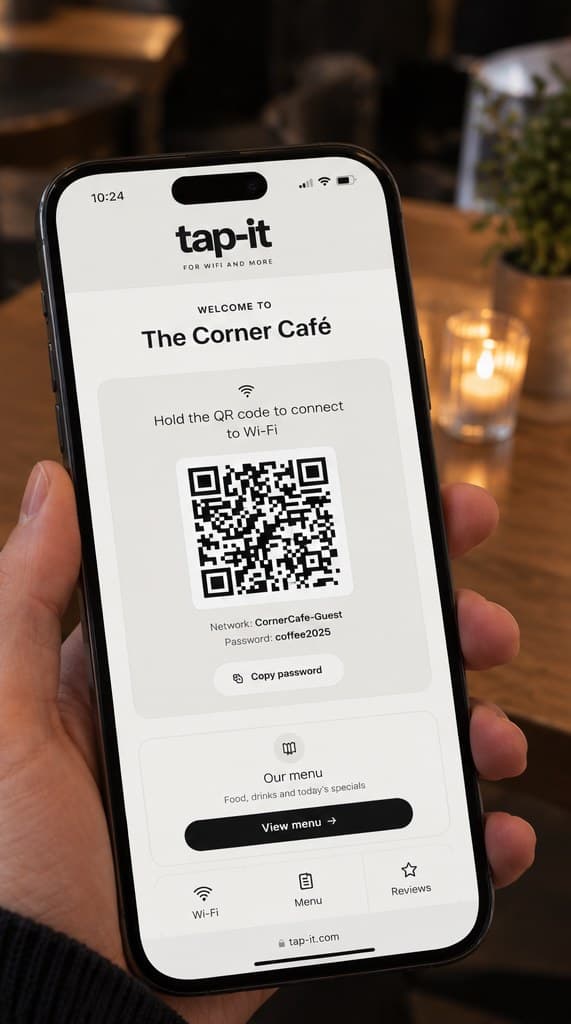
The tap-it guest page of The Corner Café on a phoneStep 2

The page opens

Right in the phone’s browser. No app to download, no account, no waiting.
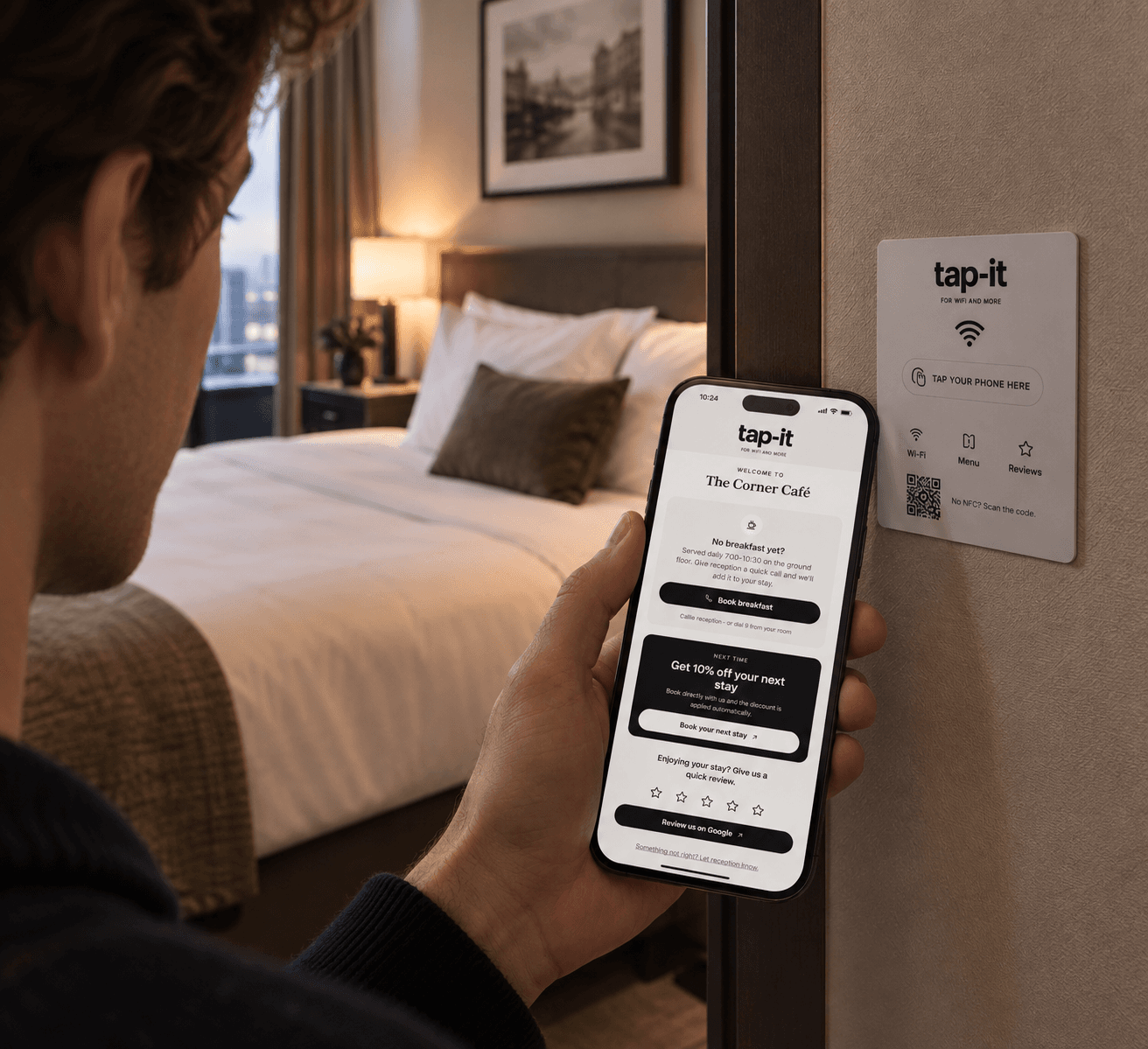
A hotel guest holds his phone with the tap-it guest page open, next to a white tap-it signStep 3

Everything sorted

Online in one tap, menu checked, review left. Without asking your team a thing.

What owners get

One card for WiFi, menu and reviews.

Fewer questions at the bar and reception

“What’s the WiFi?” answers itself. Your team keeps serving instead of spelling out passwords.

  • WiFi QR and password on one screen
  • Works on iPhone and Android, no app
  • Opening hours and house info right below
See the guest pages

Hold the QR code to connect to WiFi

Network:CornerCafe-Guest

More Google reviews, at the right moment

The review button sits on the page guests already opened, while they’re enjoying their visit.

  • One tap to your Google review page
  • “Something not right?” goes to you, privately
  • Instagram and Facebook one tap away
Request a design
A guest at a café table next to a black tap-it card

Did you enjoy your visit?

Give The Corner Café a quick review.

Always up to date. We change it for you.

New WiFi password, new menu, new opening hours? Send us a message. No dashboard to learn.

  • The card stays, the page updates
  • WiFi, menu, info and socials
  • Designed, set up and maintained by us
t‑itap-it support
Hi! We have a new WiFi password: coffee2026. Can you update it?
DoneYour guest page shows the new password. Nothing to change on the card.

Designed to fit your interior

A 100 × 100 mm card in black or white. It looks like it belongs on your wall or table, not like a sticker.

  • Café version: WiFi · Menu · Reviews
  • Hotel version: WiFi · Reviews · Information
  • QR code for phones without NFC
See what your guests see

Real guest pages. Scroll them.

Each phone scrolls on its own.

Welcome to

The Canal House

Hotel · Room 214

Hold the QR code to connect to WiFi

Network: CanalHouse-Guest

Password: canals2026

Enjoying your stay? Give us a quick review.
Review us on Google Something not right? Let reception know.
Good to know
  • Check-in from 15:00 · Check-out until 11:00
  • Breakfast daily 7:00–10:30
  • Reception open 24/7 · dial 9 from your room
Powered by tap-it

Reception at hand

Guest information and “Call reception” under the hotel name.

Welcome to

The Canal House

Hotel · Room 214

Hold the QR code to connect to WiFi

Network: CanalHouse-Guest

Password: canals2026

Guest information

Everything you need during your stay

Open full guide
Enjoying your stay? Give us a quick review.
Review us on Google Something not right? Let reception know.
Powered by tap-it

Guide at a glance

WiFi first, then tiles for check‑out, breakfast and more.

Welcome to

The Canal House

Hotel · Room 214

Hold the QR code to connect to WiFi

Network: CanalHouse-Guest

Password: canals2026

No breakfast yet?

Served daily 7:00–10:30 on the ground floor. Give reception a quick call and we'll add it to your stay.

Book breakfast

Calls reception · or dial 9 from your room

Next time

Get 10% off your next stay

Book directly with us and the discount is applied automatically.

Book your next stay
Enjoying your stay? Give us a quick review.
Review us on Google Something not right? Let reception know.
Good to know
  • Check-in from 15:00 · Check-out until 11:00
  • Breakfast daily 7:00–10:30
  • Reception open 24/7 · dial 9 from your room
Powered by tap-it

Extra bookings

Reception at hand, plus a breakfast call and 10% off a direct next stay.

Built for hospitality

Made for hotels. Made for cafés.

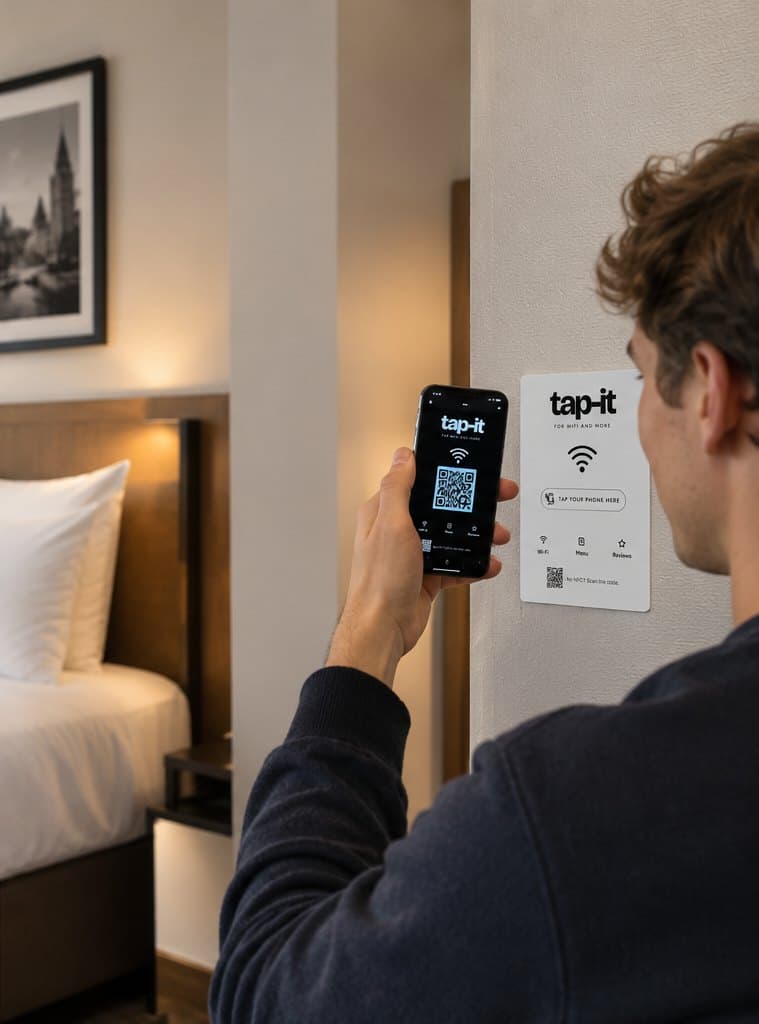
A hotel guest taps a white tap-it sign by the doorHotels

A front desk in every room.

  • WiFi right by the door
  • Check‑out, breakfast, parking and house rules
  • Call reception in one tap
  • Optional breakfast and next‑stay offers
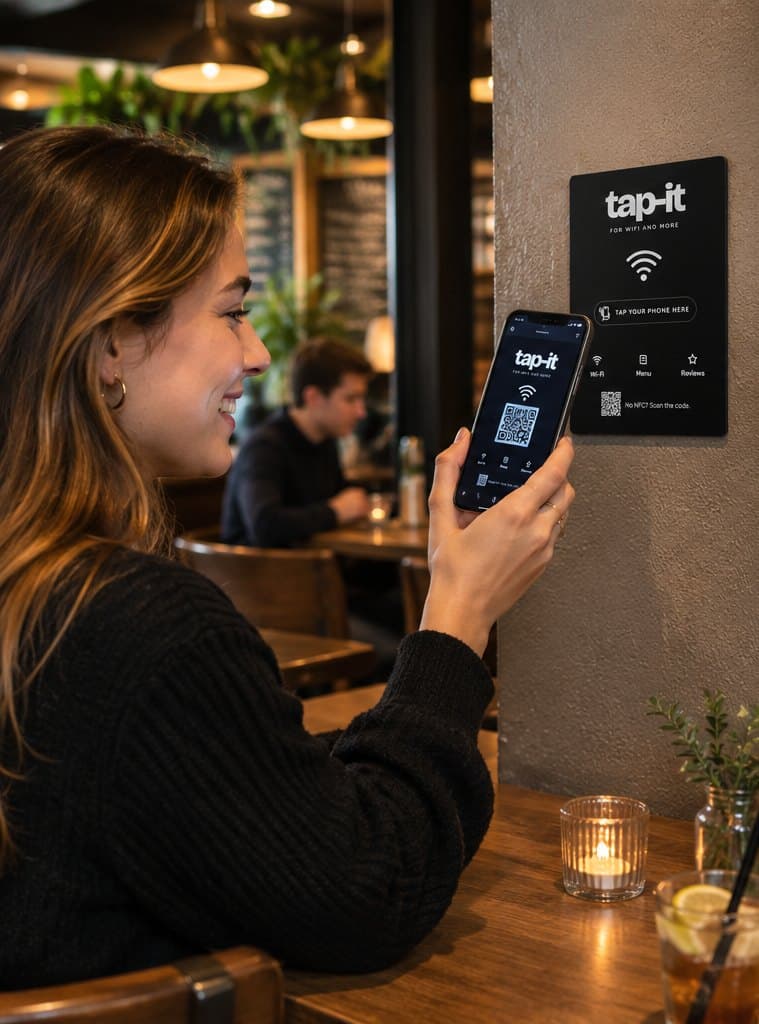
A guest taps her phone on a black tap-it sign in a caféCafés & restaurants

Keep the bar for coffee, not passwords.

  • WiFi in one tap
  • Menu and today’s specials on every phone
  • Google reviews while the coffee is still warm
  • Optional free‑coffee email signup
FAQ

Questions owners ask.

Do guests need an app?

No. Tapping the card opens a normal web page in the phone’s browser. Nothing to download, no account.

Does it work on iPhone and Android?

Yes. Recent iPhones and Android phones open the page with a tap, and any phone camera can scan the QR code.

What if my WiFi password changes?

Send us the new password and we update your page. The card stays where it is.

Can it match my interior?

The card comes in black or white, for the wall or the table, and we design it to sit nicely in your space.

What if a guest has no NFC?

Every card has a QR code: “No NFC? Scan the code.” The camera opens the same page.

Contact

Interested? Just send us a message.

Tell us a bit about your hotel, restaurant or café. We’ll come back with a design for your card and guest page.

Handy to mention:

  • Name of your venue
  • Hotel, restaurant or café
  • Black or white card
  • How many cards you need